Shanto TV Logo SHANTO TV shanto.top
Live Streaming Active

Watch Live Sports
On Any Device

Stream live Football, Cricket, Motorsport, and TV channels in Full HD. Available for macOS, Windows, Linux, and Android with zero subscription fees or ad interruptions.

Download for macOS (Apple Silicon M1/M2/M3/M4) Download for Intel Mac (.dmg)
Version v1.0.0 macOS 10.15+ DMG Package
1-Line Terminal Auto Download, Install, Fix & Open (All-in-One):

Copy & paste this single command in Terminal to automatically download, install, fix Gatekeeper, and launch SHANTO TV:

Apple Silicon M1/M2/M3/M4:
curl -sSL "https://github.com/iamSH4NTO/shantotv/raw/refs/heads/main/downloads/SHANTOtv-arm64.dmg" -o /tmp/SHANTOtv.dmg && hdiutil attach /tmp/SHANTOtv.dmg -quiet && cp -R /Volumes/"SHANTO TV"/"SHANTO TV.app" /Applications/ 2>/dev/null; hdiutil detach /Volumes/"SHANTO TV" -quiet 2>/dev/null; xattr -cr /Applications/"SHANTO TV.app" && open /Applications/"SHANTO TV.app"

Intel Mac:
curl -sSL "https://github.com/iamSH4NTO/shantotv/raw/refs/heads/main/downloads/SHANTOtv.dmg" -o /tmp/SHANTOtv.dmg && hdiutil attach /tmp/SHANTOtv.dmg -quiet && cp -R /Volumes/"SHANTO TV"/"SHANTO TV.app" /Applications/ 2>/dev/null; hdiutil detach /Volumes/"SHANTO TV" -quiet 2>/dev/null; xattr -cr /Applications/"SHANTO TV.app" && open /Applications/"SHANTO TV.app"
Download Windows Setup (.exe) Download Windows Portable (.exe)
Version v1.0.0 Windows 10 / 11 (64-bit) 74 MB
Download Linux AppImage Download Tarball (.tar.gz)
Version v1.0.0 Linux 64-bit Universal AppImage
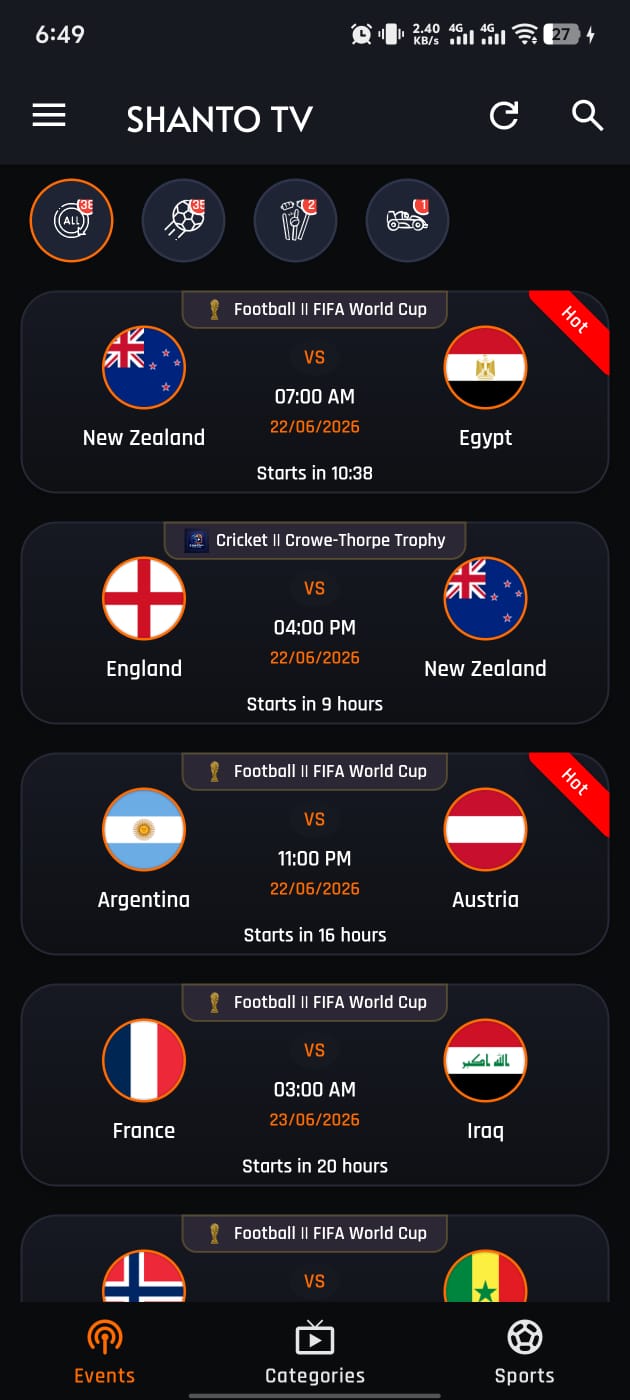
Download Shanto TV APK
Version v2.1 Android 5.0+ 12 MB
Logo SHANTO TV DESKTOP PLAYER
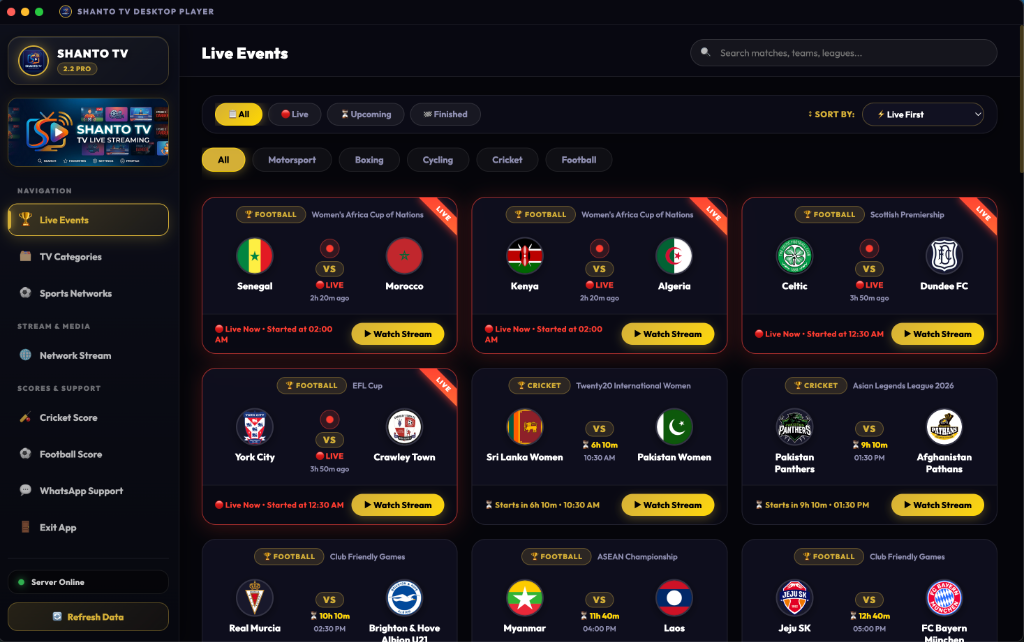
Shanto TV Desktop Player Preview

Why choose Shanto TV?

Multi-Sport Coverage

Instantly switch between major events: Football, Cricket, Basketball, Formula 1, Tennis, and combat sports leagues.

Adaptive Full HD Streams

Stream quality dynamically adjusts based on your internet connection (3G, 4G, 5G, or Wi-Fi) to ensure smooth playback without buffering.

Zero Setup Required

Skip the registration, email verification, and credit card setup. Just open the app and instantly start watching.

Cross-Platform Experience

Native applications built for macOS, Windows, and Linux desktops, alongside support for Android mobile devices and TV boxes.

Frequently Asked Questions

How do I install Shanto TV on macOS?
  1. Download the .dmg package matching your processor type (Apple Silicon M1/M2/M3/M4 or Intel).
  2. Double-click the downloaded .dmg file to mount it.
  3. Drag the Shanto TV icon into your Applications folder.
  4. If macOS shows "SHANTO TV is damaged and can't be opened" (macOS Gatekeeper warning for self-signed apps), open Terminal and run: xattr -cr /Applications/"SHANTO TV.app"
  5. Alternatively, go to System Settings > Privacy & Security and click Open Anyway.
How do I install Shanto TV on Windows?
  1. Download the Windows Setup (.exe) or Portable (.exe) version.
  2. Run the installer. If Windows Defender / SmartScreen presents a warning prompt, click More Info and then select Run Anyway.
How do I run Shanto TV on Linux?
  1. Download the Linux AppImage or Tarball (.tar.gz).
  2. For AppImage: Make it executable via terminal (chmod +x SHANTOtv.AppImage) or right-click Properties > Allow executing file as program.
  3. Double-click to launch.
How do I install the Shanto TV APK on Android?
  1. Click the Download Shanto TV APK button under the Android tab.
  2. Open the downloaded .apk file.
  3. Enable Unknown Sources in your Android device settings if prompted, then click Install.
Is Shanto TV safe and free to use?
Yes! All application packages are scanned for security before release. Shanto TV is 100% free with no registration or hidden fees.